
Digital Transformation of the OCAP Process in Semiconductor Manufacturing
Table of content
Listen to this article
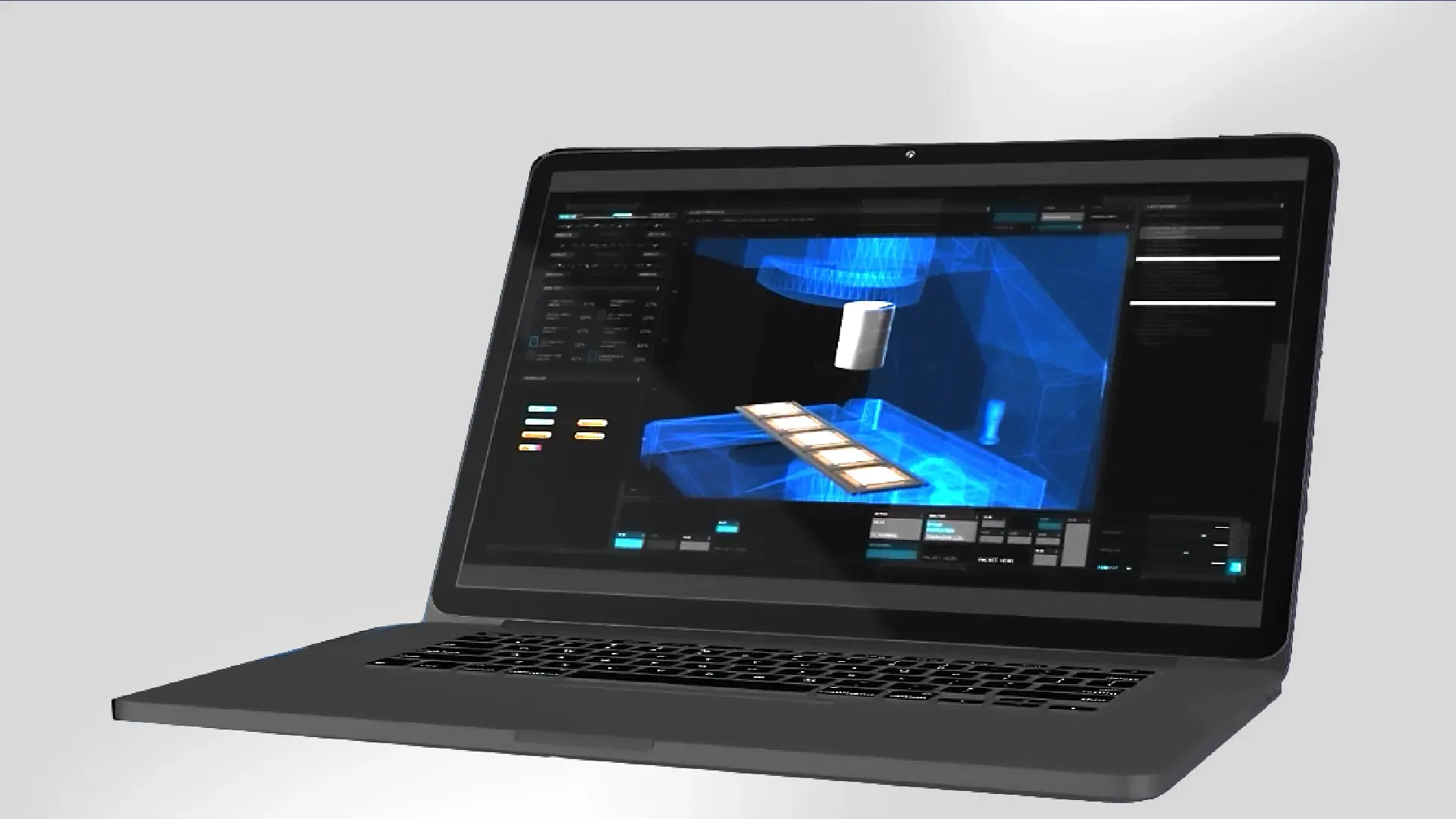
Digital Transformation on the OCAP Process in Semiconductor
Key Takeaways
- When OCAP procedures rely on emails, logbooks, or whiteboards, semiconductor teams can struggle to coordinate responses and track which corrective actions were completed.
- LineWorks SPACE eCAP, a camLine add-on module for LineWorks SPACE, turns SPC violations into interactive corrective-action workflows.
- Configurable workflows provide operators with step-by-step guidance while allowing teams to monitor corrective-action progress in real time.
- Completed workflows remain linked to the relevant SPACE Charts, connecting corrective actions with the associated out-of-control points.
- Process experts can create and adapt workflows through a graphical designer without requiring programming knowledge.
Semiconductor backend teams must respond promptly and consistently when statistical process control identifies a process violation. This response is commonly defined through an Out-of-Control Action Plan, or OCAP.
When OCAP instructions and decisions are distributed across emails, logbooks, whiteboards, or other disconnected channels, teams can find it difficult to coordinate actions, monitor progress, and maintain a traceable record. This Work Smarter video shows how LineWorks SPACE eCAP digitizes the OCAP process by connecting SPC violations with interactive corrective-action workflows.
Why Manual Out-of-Control Action Plan (OCAP) Procedures Make Response More Difficult
Traditional OCAP procedures may depend on written instructions, separate communication channels, and manually maintained records. Operators must identify the applicable procedure, coordinate with the relevant stakeholders, document their decisions, and confirm that the required actions have been completed.
When this information remains distributed across different channels, coordinating and documenting the response becomes more difficult.
Table 1: Manual and Digital OCAP Response
| Response requirement | Manual or disconnected OCAP response | Digital OCAP response with LineWorks SPACE eCAP |
| Accessing instructions | Operators may need to find instructions across separate documents or communication channels. | Interactive workflows provide step-by-step activities and decision guidance. |
| Coordinating actions | Updates distributed through emails, logbooks, or whiteboards can make coordination more difficult. | Corrective-action activities are managed through a structured digital workflow. |
| Monitoring progress | Teams may have limited visibility into which actions are underway or completed. | A web-based dashboard provides real-time visibility into workflow progress. |
| Connecting actions with SPC data | Decisions and completed actions may remain separate from the original SPC violation. | Relevant SPACE Chart data can be accessed during the workflow, and completed workflows remain linked to the associated chart. |
| Maintaining records | Activities, decisions, and outcomes may need to be documented manually across different records. | Workflow activities, entered information, decisions, and outcomes are recorded for later review. |
How LineWorks SPACE eCAP Connects SPC Violations with Corrective Actions
LineWorks SPACE eCAP extends LineWorks SPACE with electronic corrective-action workflows. It connects an SPC violation with the corresponding digital OCAP workflow.
From the initial violation to the completed corrective-action record, the workflow follows five connected steps:
- An SPC violation in LineWorks SPACE initiates the applicable workflow.
- Operators receive an interactive sequence of required activities and decisions.
- SPACE Chart visualizations and measurement data can be accessed when needed during the workflow.
- Corrective-action progress can be monitored through a web-based dashboard.
- The completed workflow is linked to the relevant SPACE Chart.
This connection helps teams maintain the relationship between the detected out-of-control point, the actions taken, and the completed workflow record.
Explore LineWorks SPACE and LineWorks SPACE Chart Plug-ins
Guiding Operators Through Defined Corrective Actions
LineWorks SPACE eCAP provides step-by-step guidance for the operational activities required to respond to an SPC violation. Configurable rules and expressions can direct the workflow according to the information entered and the decisions made during execution.
This structured approach helps operators follow the defined corrective-action procedure while giving engineers and other stakeholders visibility into workflow progress. Escalation strategies can also be incorporated when additional review or action is required. By placing the instructions and relevant SPC information within the workflow, teams reduce their dependence on separately maintained procedures and fragmented communication.
Maintaining Traceability from Violation to Completion
Traceability requires more than confirming that an OCAP was started. Teams also need a record of the activities performed, information entered, decisions made, and workflow outcome.
LineWorks SPACE eCAP records corrective-action workflows and links completed instances to SPACE Charts. This allows engineers to review the corrective-action history together with the relevant SPC context. Historical workflow records also provide a basis for reviewing previous responses and identifying opportunities to refine corrective-action procedures.
Configuring OCAP Workflows Without Programming
Process experts can create and adapt interactive corrective-action workflows using the graphical LineWorks SPACE eCAP Workflow Designer. The designer allows them to define operational activities, decision paths, rules, and escalation steps without requiring programming knowledge.
This enables corrective-action workflows to reflect the organization’s established process requirements while remaining configurable as those requirements change.
Digitize the Response to SPC Violations
A structured digital OCAP connects process violations with defined corrective actions, real-time progress monitoring, and traceable workflow records. LineWorks SPACE eCAP helps semiconductor backend teams guide operators through the required response while keeping completed actions connected to the relevant SPC context.
FAQ
Q: Why is manual OCAP execution difficult to control during an SPC violation?
A: Manual out-of-control action plan (OCAP) execution is difficult to control because instructions, decisions, actions, and evidence may be distributed across paper, email, spreadsheets, logbooks, or local knowledge. This makes it harder to determine the current step, response ownership, and whether similar violations are handled consistently.
Q: How does LineWorks SPACE eCAP help operators respond consistently to an SPC violation?
A: LineWorks SPACE eCAP helps operators respond consistently by triggering a configured corrective-action workflow when LineWorks SPACE detects an SPC violation. The workflow guides users through the required steps, monitors progress, and provides access to the relevant SPACE chart and measurement data. Completed workflows remain linked to the charts, creating a traceable record of the response and its outcome.
Q: Can process engineers configure LineWorks SPACE eCAP workflows without custom coding?
A: Yes, process engineers can configure LineWorks SPACE eCAP workflows without custom coding by using its graphical workflow designer. The configured workflow can translate an established corrective-action procedure into interactive, step-by-step guidance for operators. Workflow changes should still be reviewed, tested, version-controlled, approved, and communicated before being used for production decisions.
Q: What should a semiconductor fab validate before replacing manual OCAPs with LineWorks SPACE eCAP?
A: A semiconductor fab should validate that its LineWorks SPACE eCAP workflows accurately reproduce the approved violation triggers, decision paths, corrective actions, escalation rules, required evidence, and completion criteria. Testing should cover representative SPC violations, incomplete information, repeated violations, workflow handoffs, and recovery from interrupted execution.
The fab should also confirm chart linkage, progress monitoring, historical records, user access, audit requirements, and whether operators can follow the workflow under production conditions.
Let’s Discuss Solutions Together
Tap into camLine’s decades of expertise in digital transformation to overcome your manufacturing challenges.