
Get the Full Picture
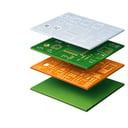
A BOM tells you what to assemble. Gerber files reveal how the board is built. View board dimensions, layer count, thickness, and stack-up without manually reviewing dozens of files.
Upload Gerber files to automatically extract PCB specifications, visualize the board, and identify manufacturing characteristics. Give your quoting team the information they need to price PCBAs more accurately and reduce engineering back-and-forth.
In today's complex electronics supply chain, PCB-related issues can create costly delays, sourcing challenges, and quoting uncertainty. CalcuQuote's PCB Intelligence helps you uncover potential risks earlier by analysing PCB design data and Gerber files before production begins.
Powered by automated PCB analysis, PCB Intelligence highlights sourcing constraints, manufacturability concerns, and supply chain risks that may affect cost, lead times, or component availability. This gives sourcing and quoting teams greater confidence when evaluating new opportunities.
From RFQ to sourcing, PCB Intelligence provides the visibility needed to make faster, more informed decisions, helping EMS providers reduce risk and improve quote accuracy before committing to production.
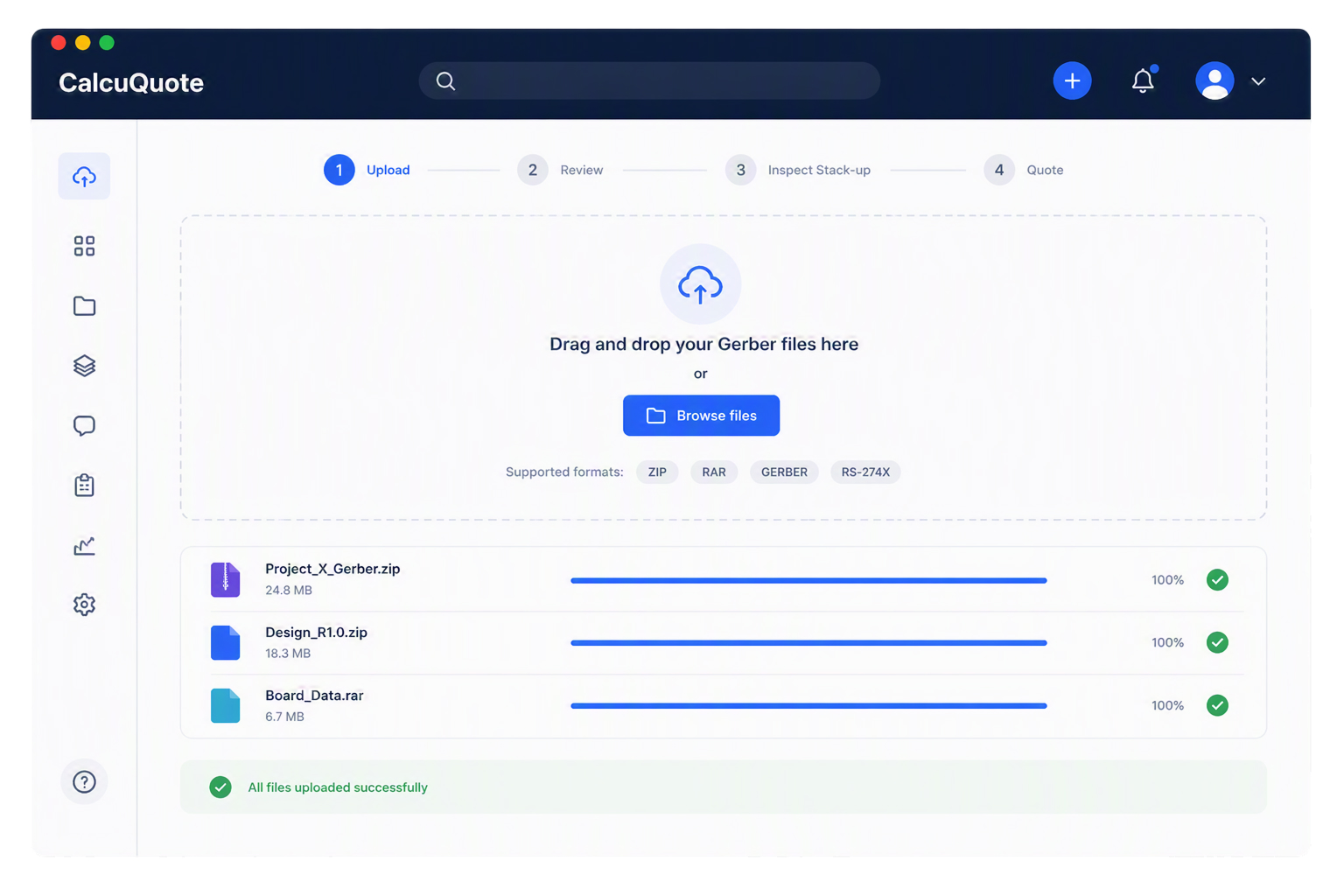
Upload Gerber files and instantly access the PCB information you need to start quoting with confidence. CalcuQuote automatically extracts key board specifications, maps layers, and organizes board data without requiring manual file review.
Outcome: you start every quote with a clearer understanding of the board and fewer assumptions.
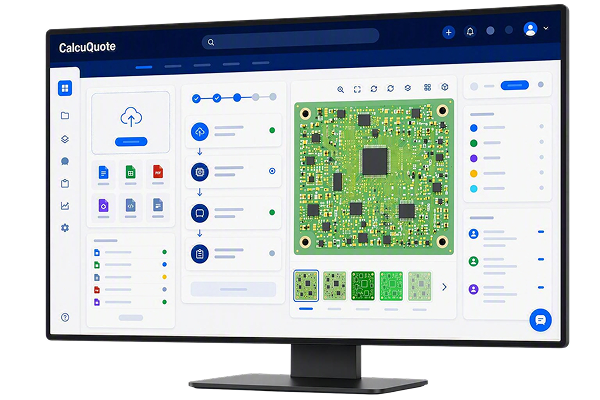
See how the PCB is actually built before making quoting or sourcing decisions.
Review the complete board and explore individual layers to better understand board construction, manufacturing requirements and potential complexity drivers.
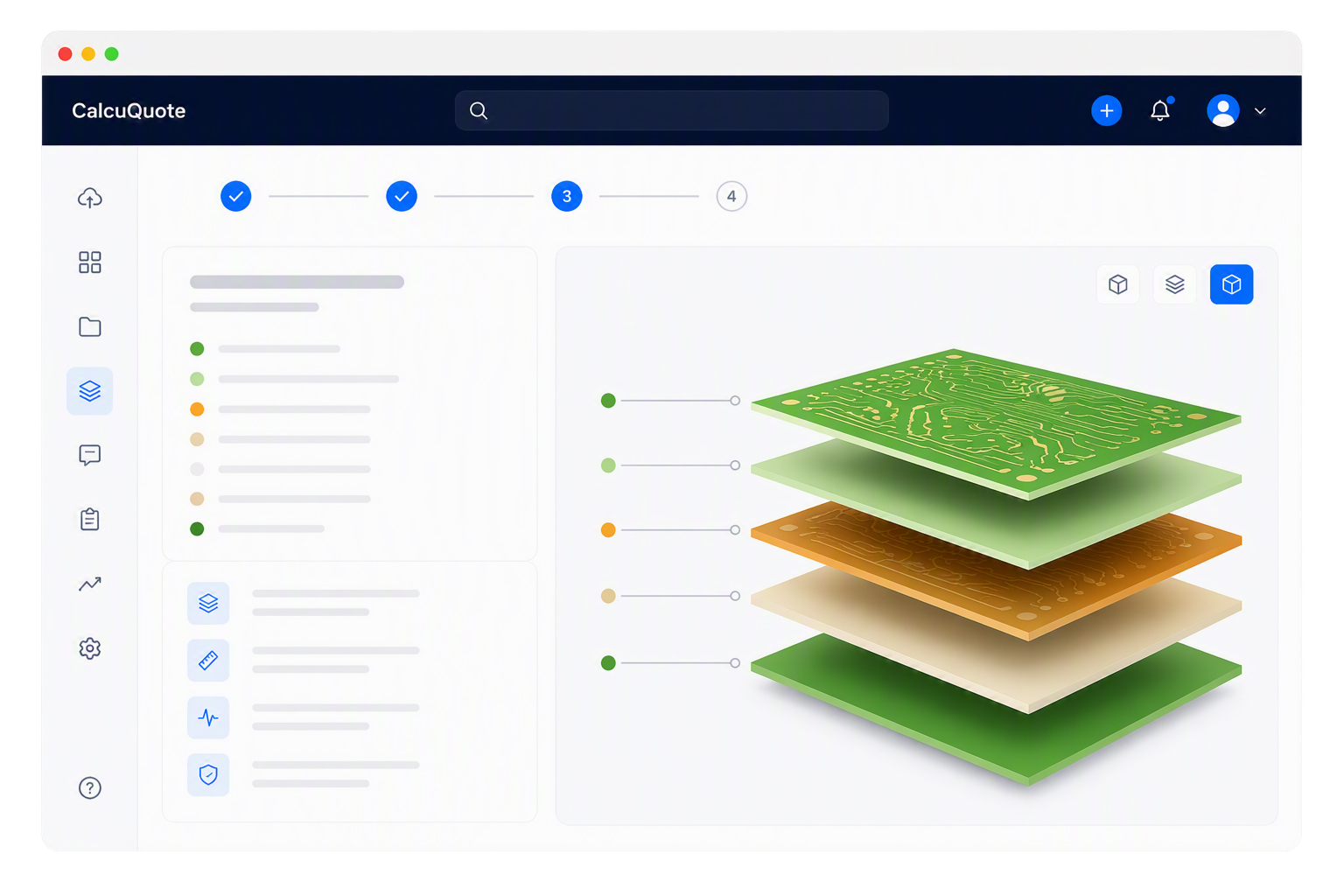
Confirm that the board structure matches manufacturing requirements before it affects pricing, sourcing or production decisions.
Automatically mapped layers give you a starting point, while editable stack-up settings allow you to review and refine board construction when additional validation is needed.
Review automatically mapped PCB layers
Adjust layer assignments when files are mapped incorrectly
Verify layer thickness, material and polarity
Review available drill file information
Visualize copper, dielectric and solder mask layers in context
Confirm how the board is constructed before supplier engagement
Render a visual preview of the full stack-up to validate board structure and identify potential issues before they impact manufacturing discussions or quote accuracy.
Outcome: you gain confidence that the board has been interpreted correctly before manufacturing decisions are made.
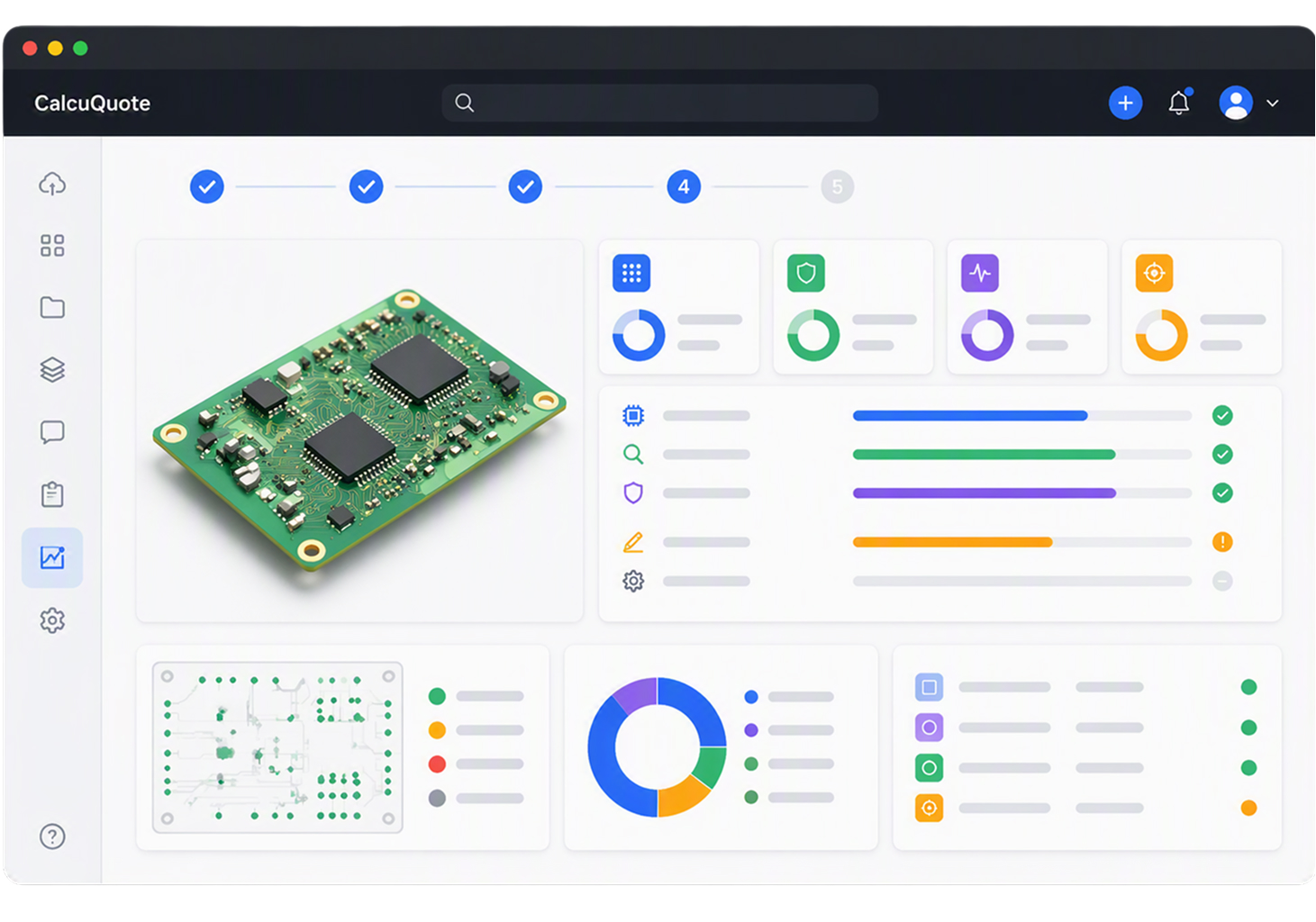
Review detailed manufacturing and assembly metrics to better understand board complexity, manufacturability requirements and potential quoting risks before supplier engagement.

CalcuQuote allows you to review PCB data where quoting decisions are made.
Instead of exporting files to a separate PCB analysis tool, your team can access board specifications, stack-up details, complexity analysis and board visualizations directly within the quote.
This keeps PCB information connected to the RFQ and supports faster, more informed quoting decisions.
We take pride in 98% retention rate
/People%20quotes%20-%20circles%20for%20cards%20(40x40px)/CalcuQuote_Sabrina%20Beck_40x40px_2026.svg)
“We’re in a really challenging environment right now, and some of the components are very difficult to find. That’s where we need to put all of our effort. CalcuQuote has enabled us to distill down to those components that we need to pay the most attention to.”